Build a Tabbed Terminal
You build a terminal emulator with native system tabs: Safari-style window tabs on macOS, an
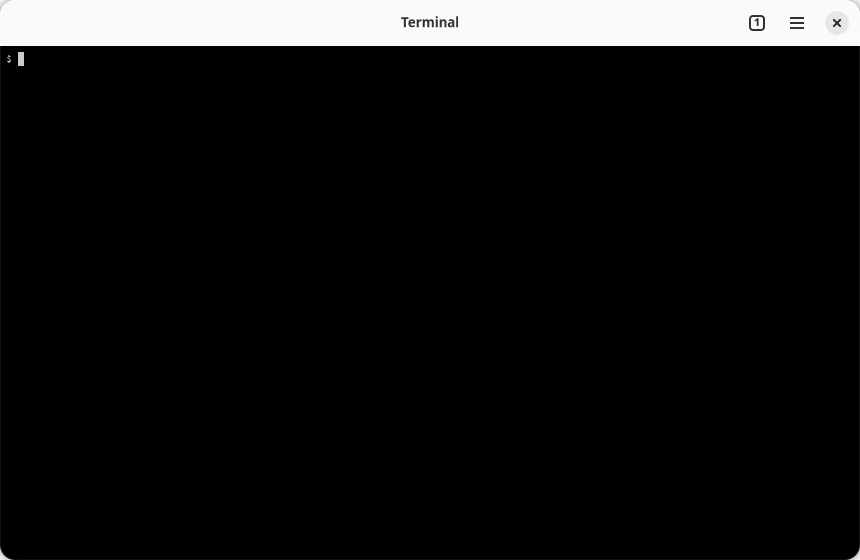
AdwTabBar with tab overview on GNOME. Each tab runs its own shell, the native plus button opens
new tabs, and Cmd+T (Ctrl+T on Linux) works through a real menu accelerator.
Prerequisites: a project from the Quick Start. The code goes in
src/main.tsx.
1. One terminal window
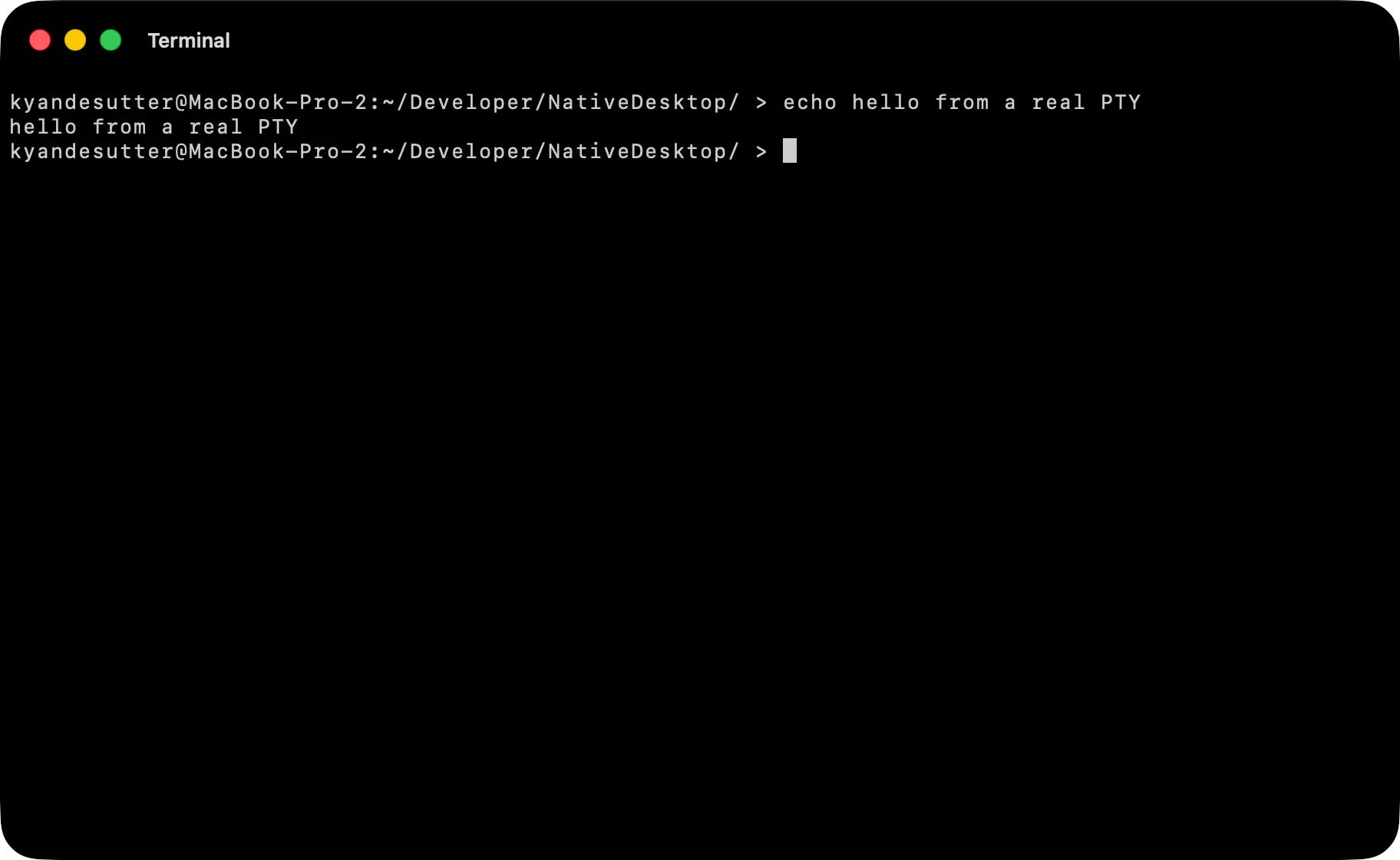
Section titled “1. One terminal window”<terminal> hosts a real terminal surface. The host process runs your $SHELL in a PTY, parses
its output with libghostty-vt, and draws the cell grid natively. Keystrokes go straight to the PTY;
your React code never touches them.
import { render } from "@nativedesktop/react";
function App() {  return (    <window title="Terminal" defaultWidth={860} defaultHeight={560}>      <toolbarview>        <headerbar title="Terminal" />        <terminal cols={100} rows={30} fontSize={13} style={{ hexpand: true, vexpand: true }} />      </toolbarview>    </window>  );}
await render(<App />);
cols and rows set the initial grid; resizing the window resizes the PTY. Run bun run dev and
you have a working shell.
2. Make windows into tabs
Section titled “2. Make windows into tabs”Native tabs come from one prop: every <window> with the same tabGroup joins the platform’s own
tab system. On macOS each tab is a real NSWindow in a tab group, so dragging a tab out into its
own window and back in is native behavior you get for free. On GNOME the group renders as an
AdwTabView with a tab bar and overview button.
The app’s job is only to manage a list of tab ids. Two window events drive it: the native plus
button (and any native “new tab” gesture) fires onNewTabRequested, and a native close fires
onClosed.
import { render, useRef, useState } from "@nativedesktop/react";
function TerminalTab({  id,  onNewTab,  onClose,}: {  id: number;  onNewTab: () => void;  onClose: () => void;}) {  return (    <window      title={id === 0 ? "Terminal" : `Terminal ${id + 1}`}      defaultWidth={860}      defaultHeight={560}      tabGroup="terminal"      onNewTabRequested={onNewTab}      onClosed={onClose}    >      <toolbarview>        <headerbar title="Terminal" />        <terminal cols={100} rows={30} fontSize={13} style={{ hexpand: true, vexpand: true }} />      </toolbarview>    </window>  );}
function App() {  const [tabs, setTabs] = useState<number[]>([0]);  const nextId = useRef(1);  const addTab = () => setTabs((open) => [...open, nextId.current++]);
  return (    <>      {tabs.map((id) => (        <TerminalTab          key={id}          id={id}          onNewTab={addTab}          onClose={() => setTabs((open) => open.filter((t) => t !== id))}        />      ))}    </>  );}
await render(<App />);
Rendering another <TerminalTab> opens another tab; unmounting one closes it natively. All tabs
live in one React process, so sharing state between them is a variable, not IPC.
3. Add a New Tab menu item
Section titled “3. Add a New Tab menu item”Menu accelerators are native key equivalents, not key listeners. primary means Cmd on macOS and
Ctrl on Linux. Put the menu on the first tab only, since the menu bar is process-wide:
function TerminalTab({ id, withMenu, onNewTab, onClose,}: { id: number; withMenu: boolean; onNewTab: () => void; onClose: () => void;}) { return ( <window /* ...same props as before... */> {withMenu && ( <menubar defaults> <menu label="File"> <menuitem label="New Tab" accelerator="primary+t" onSelect={onNewTab} /> </menu> </menubar> )} <toolbarview>{/* ...unchanged... */}</toolbarview> </window> );}And pass the flag from App:
{tabs.map((id, i) => ( <TerminalTab key={id} id={id} withMenu={i === 0} onNewTab={addTab} onClose={() => setTabs((open) => open.filter((t) => t !== id))} />))}<menubar defaults> also installs the standard platform menus, including File > Close to close the
active tab.
The finished file:
import { render, useRef, useState } from "@nativedesktop/react";
function TerminalTab({  id,  withMenu,  onNewTab,  onClose,}: {  id: number;  withMenu: boolean;  onNewTab: () => void;  onClose: () => void;}) {  return (    <window      title={id === 0 ? "Terminal" : `Terminal ${id + 1}`}      defaultWidth={860}      defaultHeight={560}      tabGroup="terminal"      onNewTabRequested={onNewTab}      onClosed={onClose}    >      {withMenu && (        <menubar defaults>          <menu label="File">            <menuitem label="New Tab" accelerator="primary+t" onSelect={onNewTab} />          </menu>        </menubar>      )}      <toolbarview>        <headerbar title="Terminal" />        <terminal cols={100} rows={30} fontSize={13} style={{ hexpand: true, vexpand: true }} />      </toolbarview>    </window>  );}
function App() {  const [tabs, setTabs] = useState<number[]>([0]);  const nextId = useRef(1);  const addTab = () => setTabs((open) => [...open, nextId.current++]);
  return (    <>      {tabs.map((id, i) => (        <TerminalTab          key={id}          id={id}          withMenu={i === 0}          onNewTab={addTab}          onClose={() => setTabs((open) => open.filter((t) => t !== id))}        />      ))}    </>  );}
await render(<App />);
Run it
Section titled “Run it”bun run devOpen tabs with Cmd+T or the native plus button, close one with Cmd+W, and drag a tab out into its own window. The shell in each tab keeps running through all of it.
- Terminal: the widget’s full prop and event surface.
- Native Tabs: tab groups in depth, including cross-window tab dragging.
- Multi-Window: plain multi-window apps without tab groups.