Example Apps
Each example in examples/ is a
runnable app (ND_SCRIPT=examples/<name>/main.tsx) that doubles as the acceptance surface for one
framework capability. Every screenshot below comes from a real host: the AppKit shell on macOS and
the GTK host under GNOME, both rendering the same unchanged app tree.
Counter
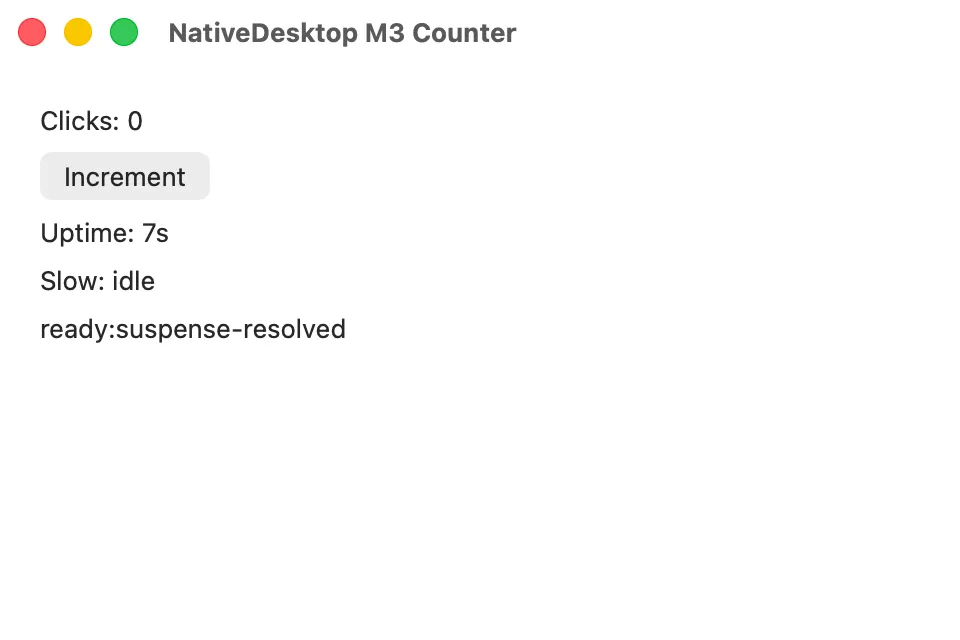
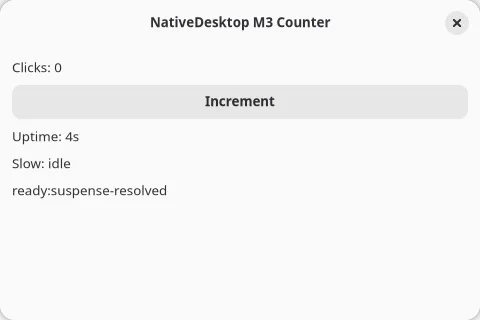
Section titled “Counter”The hello-world app: a click counter plus Suspense and useTransition running under a ticking
re-render. Source
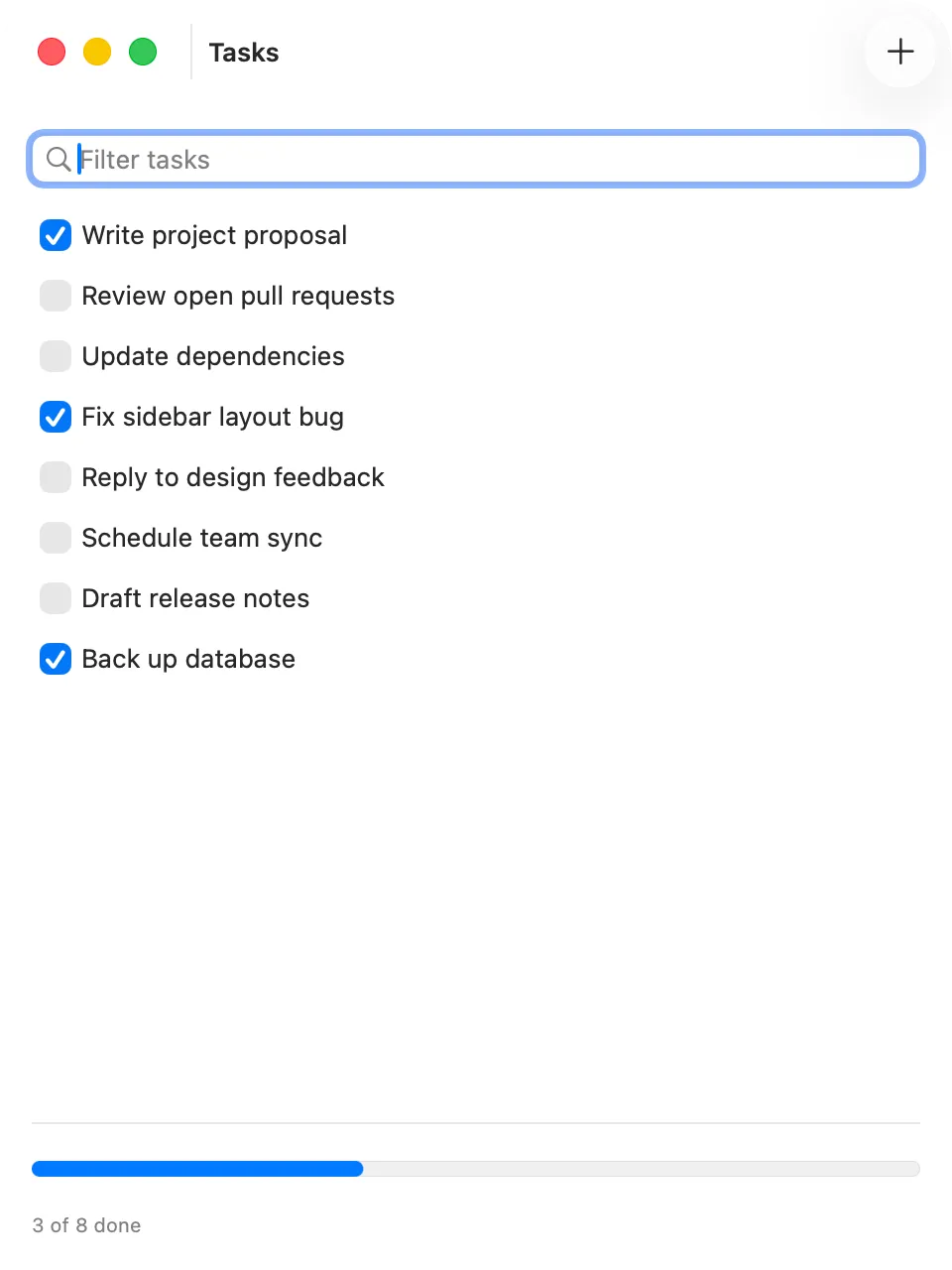
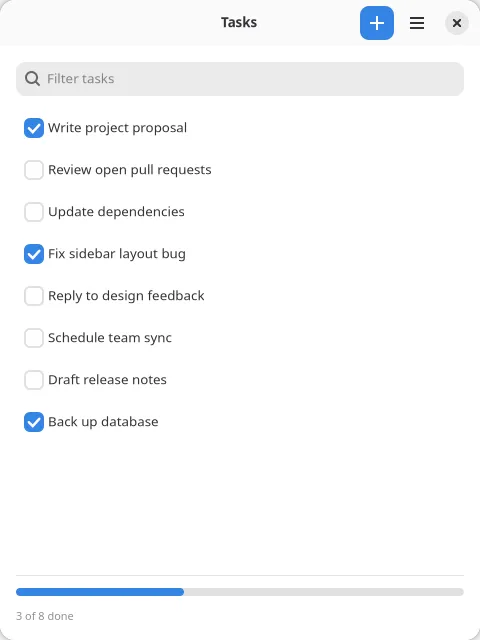
The smallest real app: a single-pane task list showing the menu-bar and toolbar chrome machinery scaled down to one window. Source
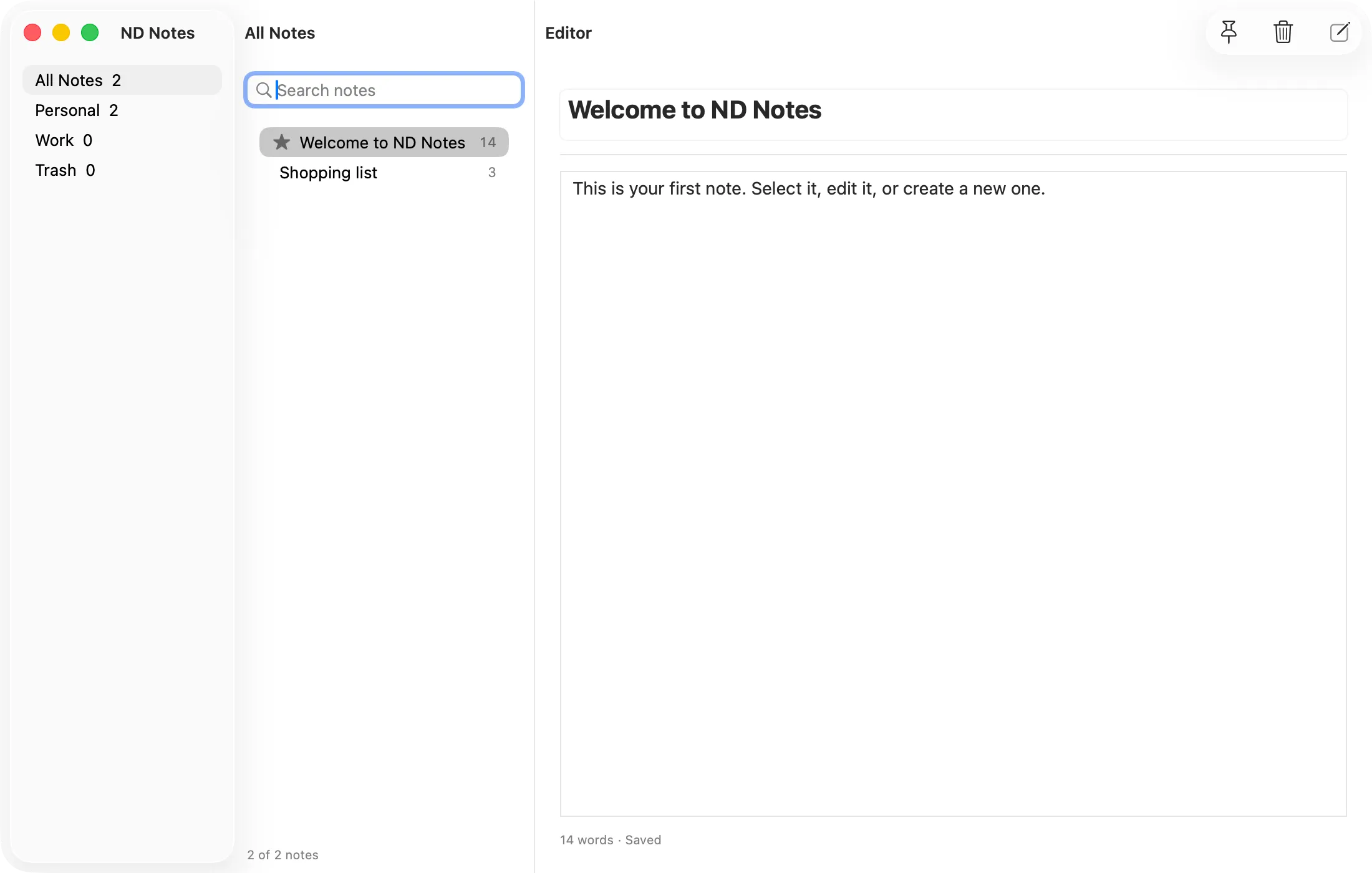
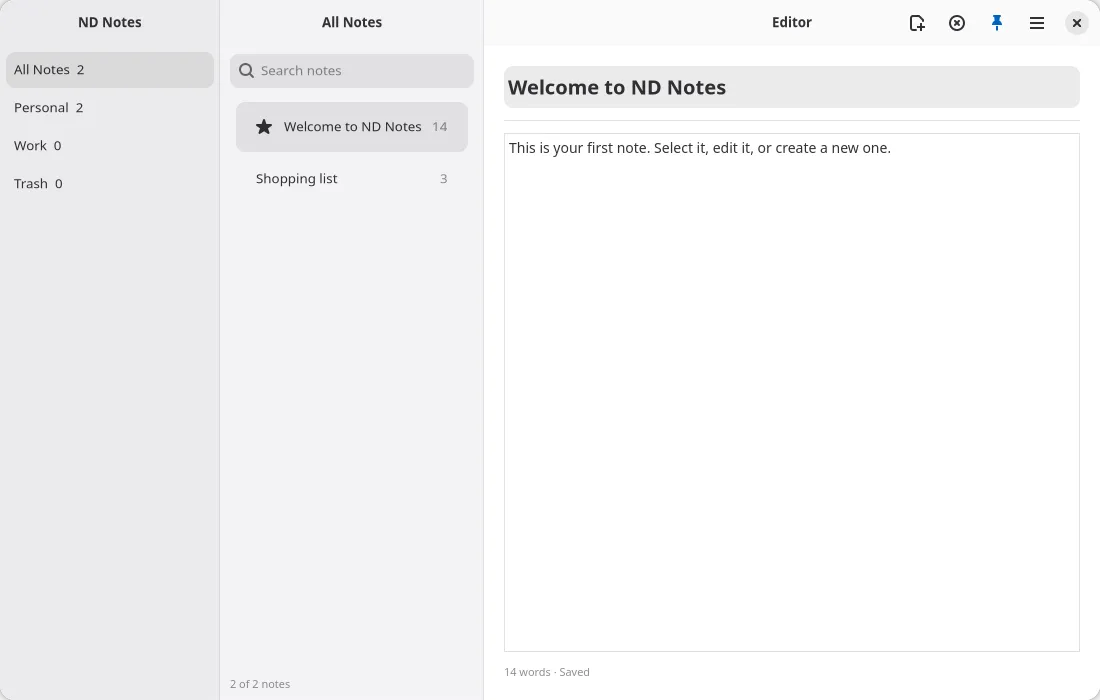
A three-pane note-taking app (folders, list, editor) with native chrome, a menu bar, search, and pinning. The framework-suitability stress test. Source
Settings
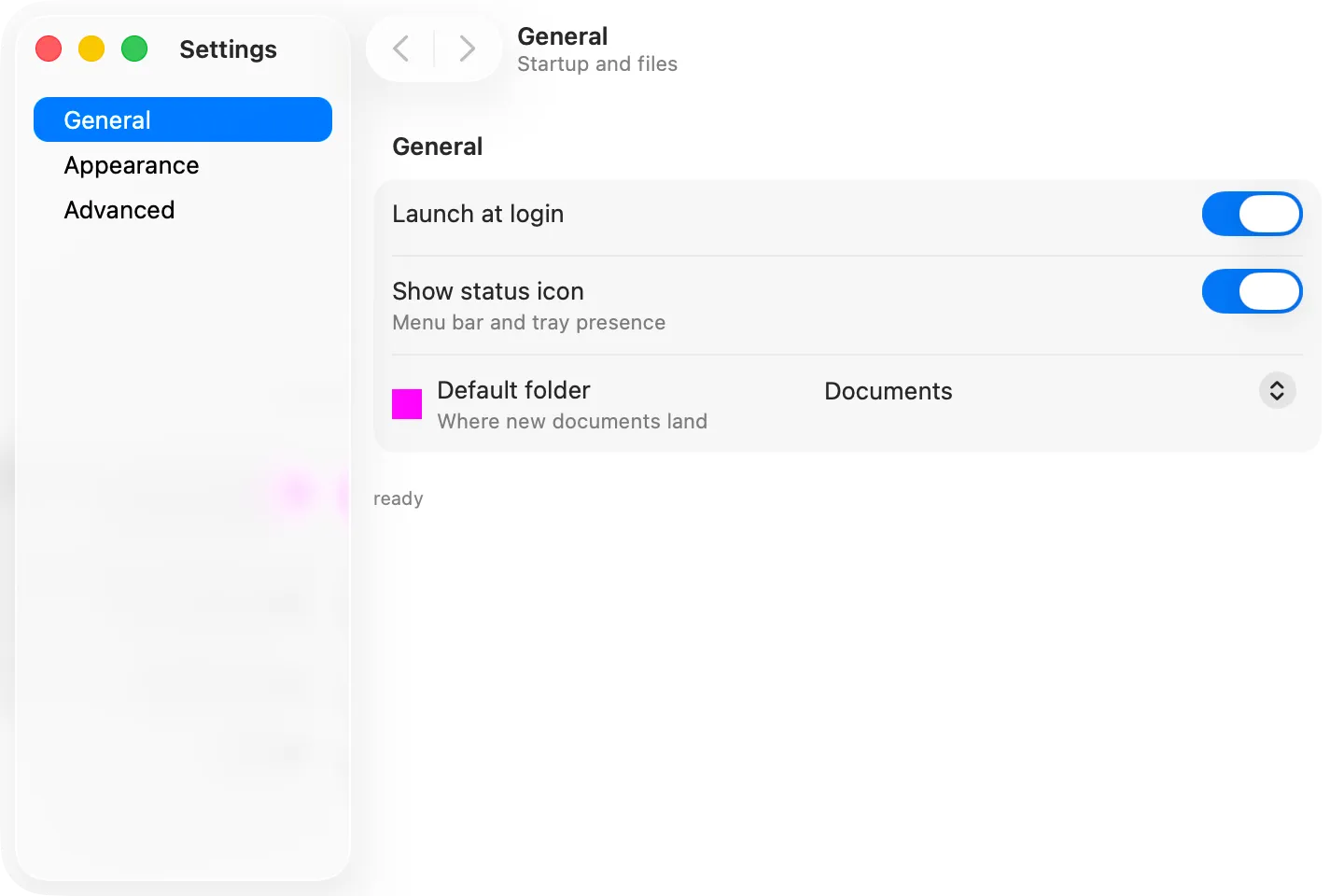
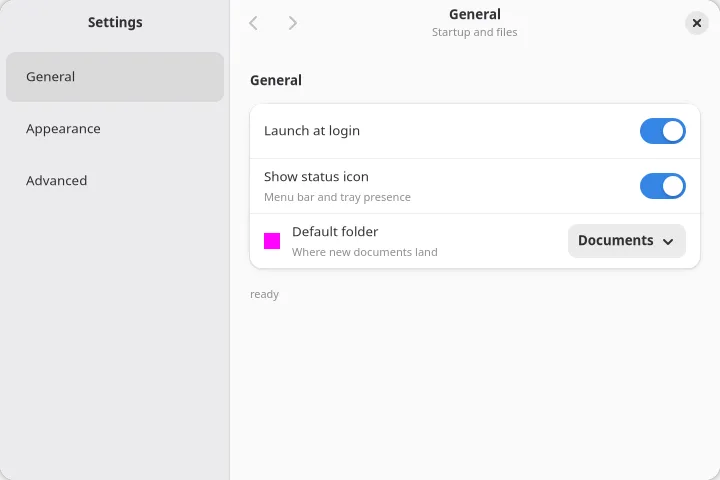
Section titled “Settings”A two-pane preferences window built from the boxed-list widgets: real AdwPreferencesGroup rows on
GTK, grouped form rows on macOS.
Source
Gallery
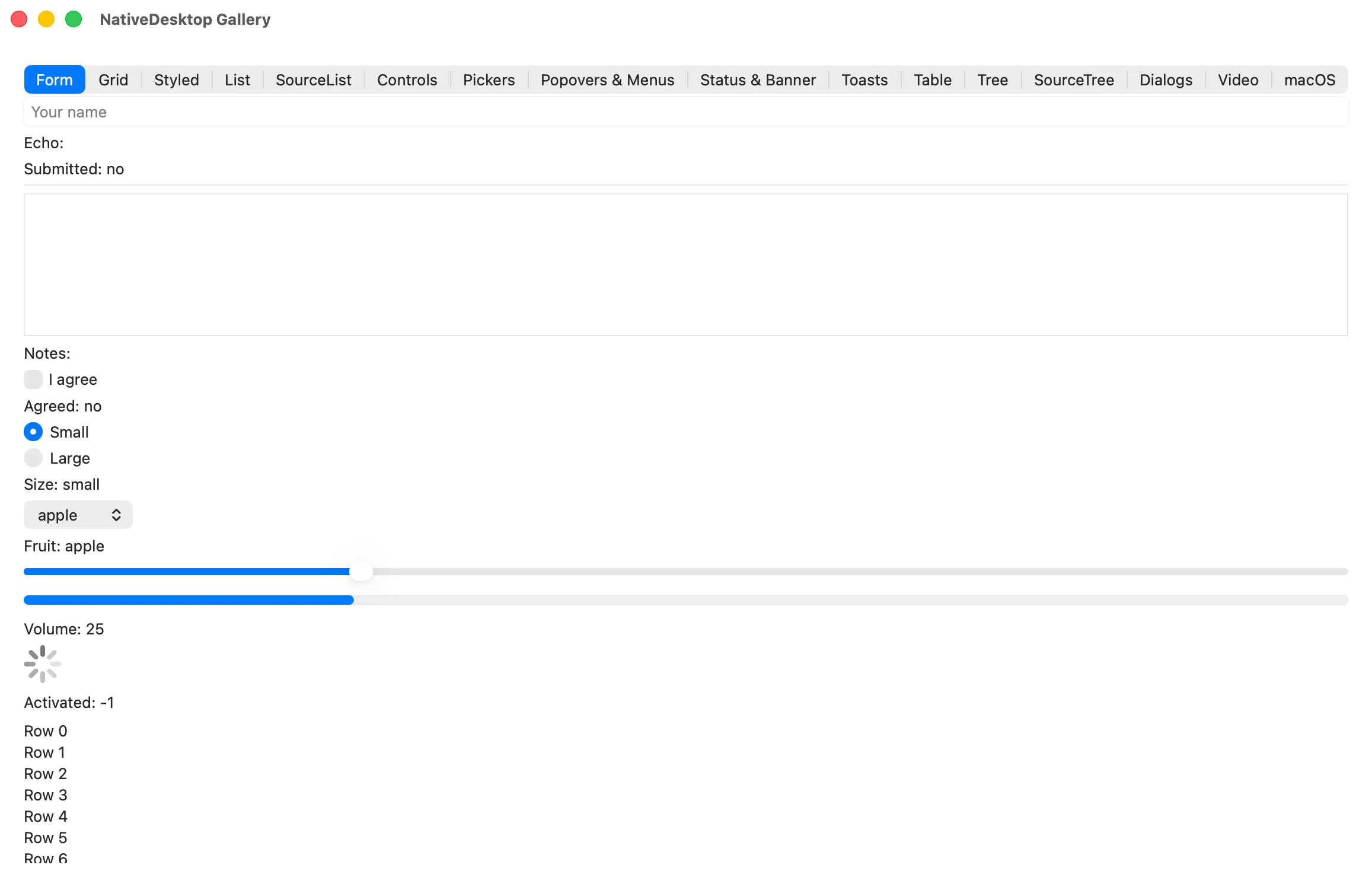
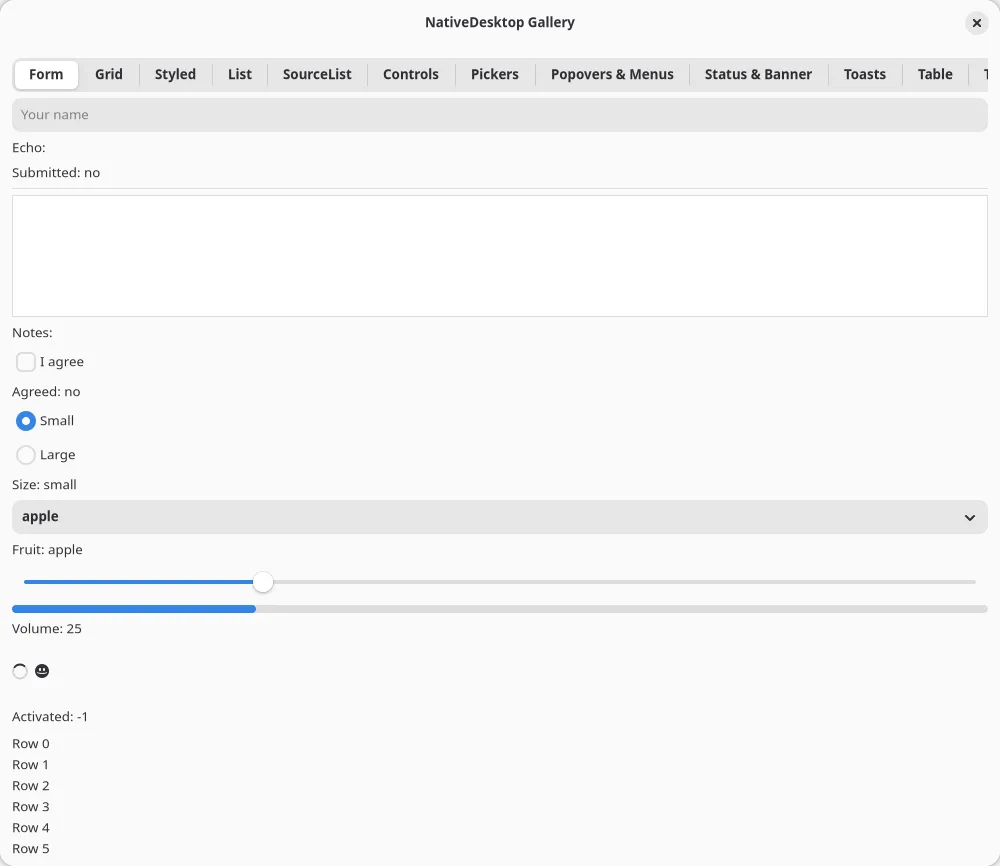
Section titled “Gallery”Every widget in one tabbed window. This is what the drive scripts assert against. Source
SourceTree
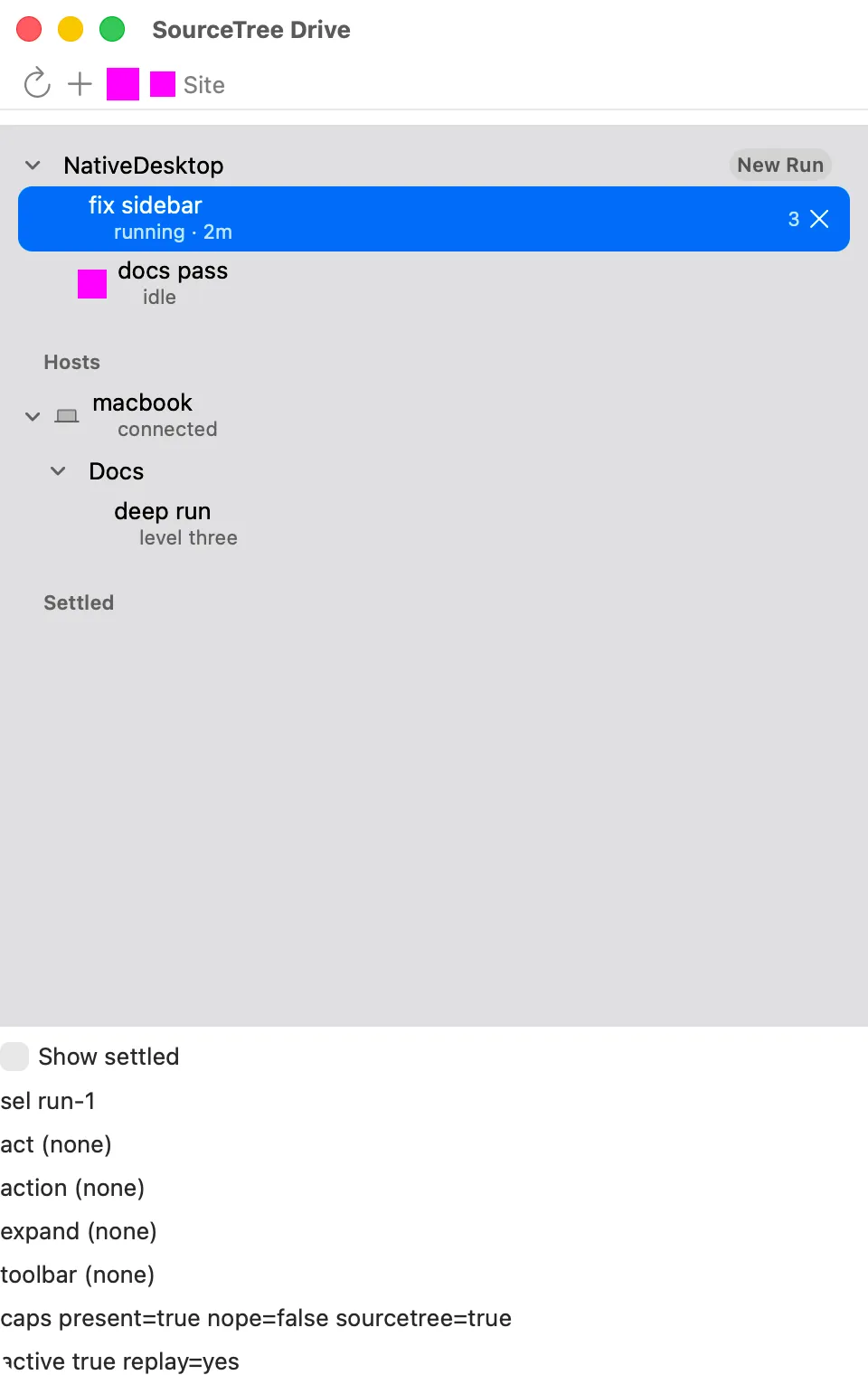
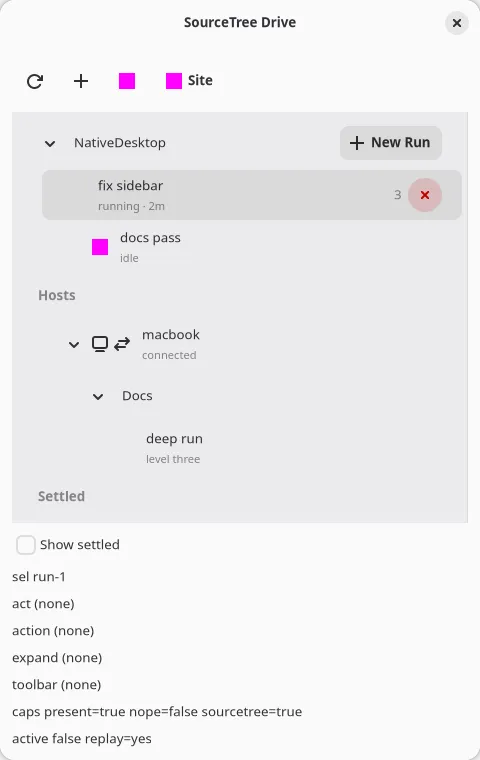
Section titled “SourceTree”The <sourcetree> sidebar widget: sections, a three-level chain, captions, badges, and per-row
actions. Source
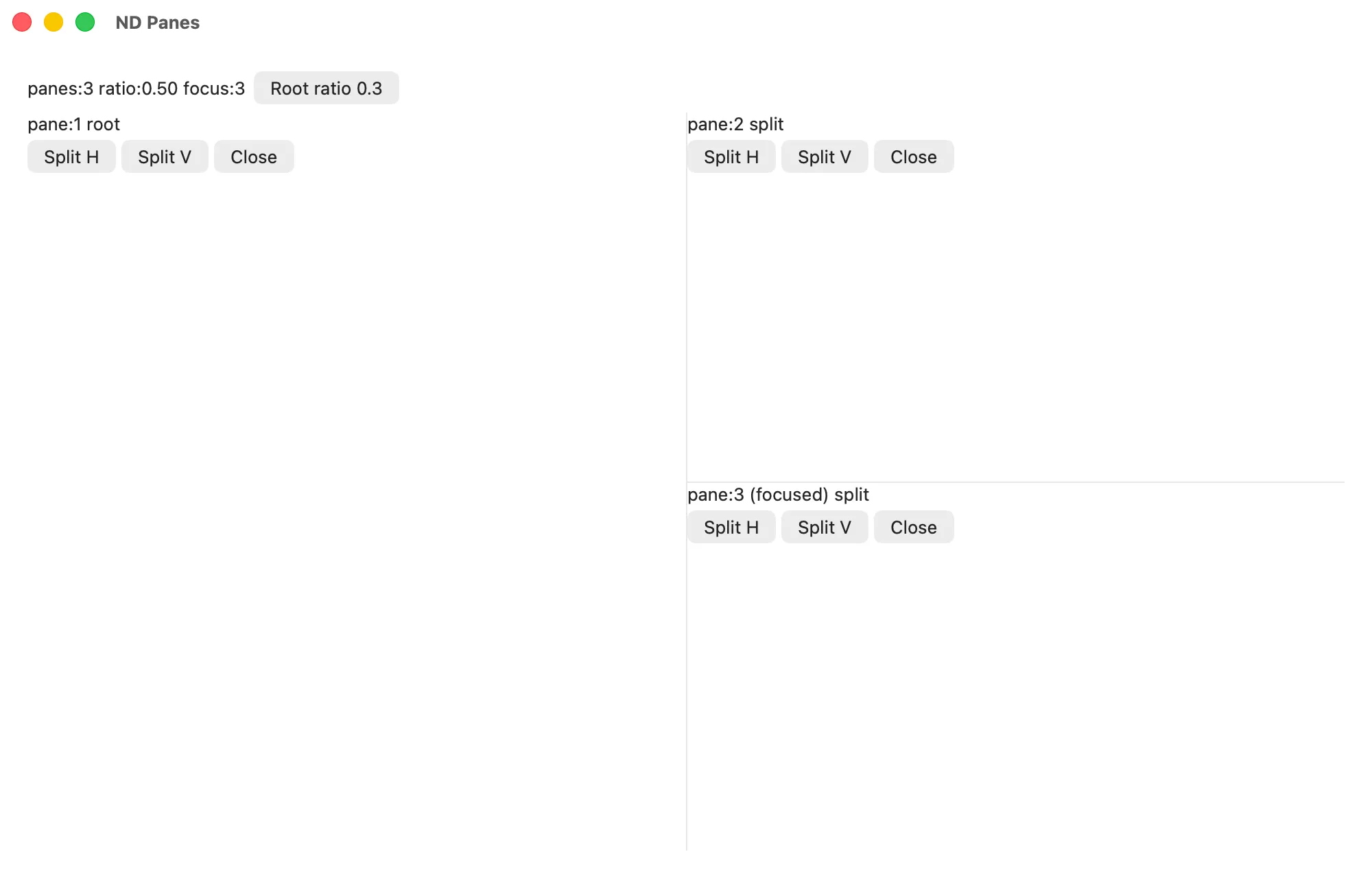
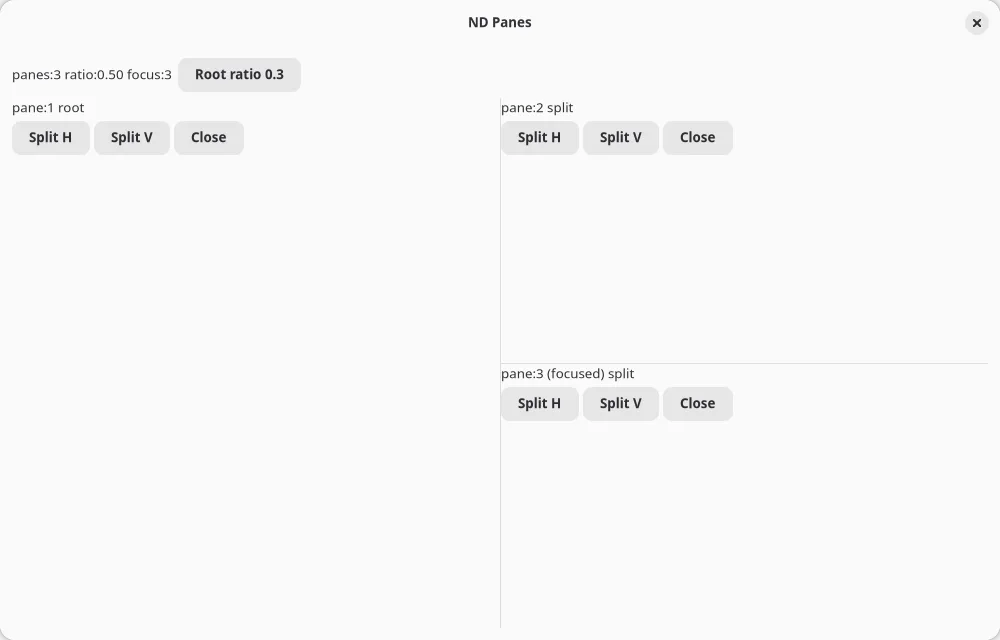
Terminal-style split panes over @nativedesktop/panes, with the layout persisted through
createStore. Source
Terminal
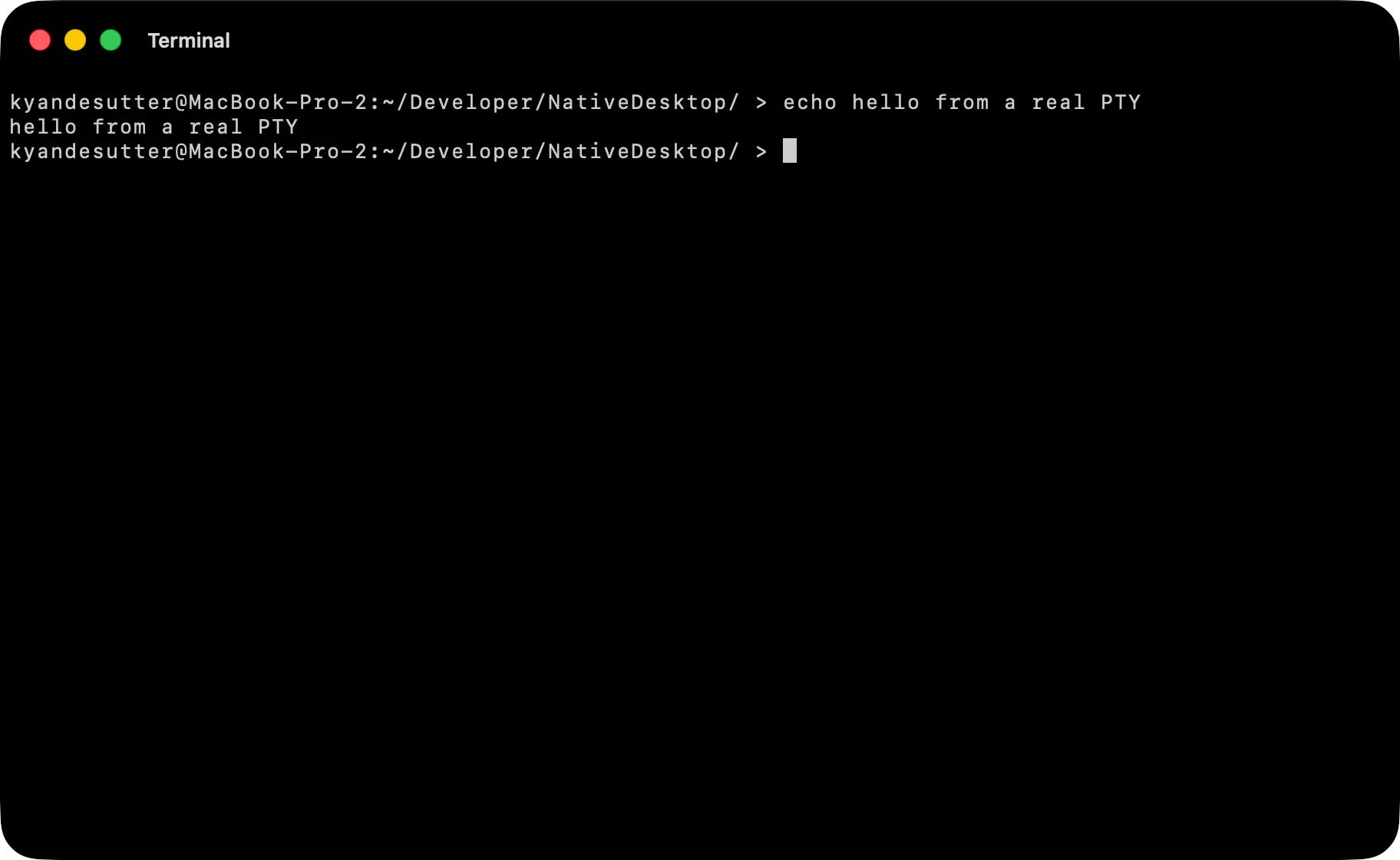
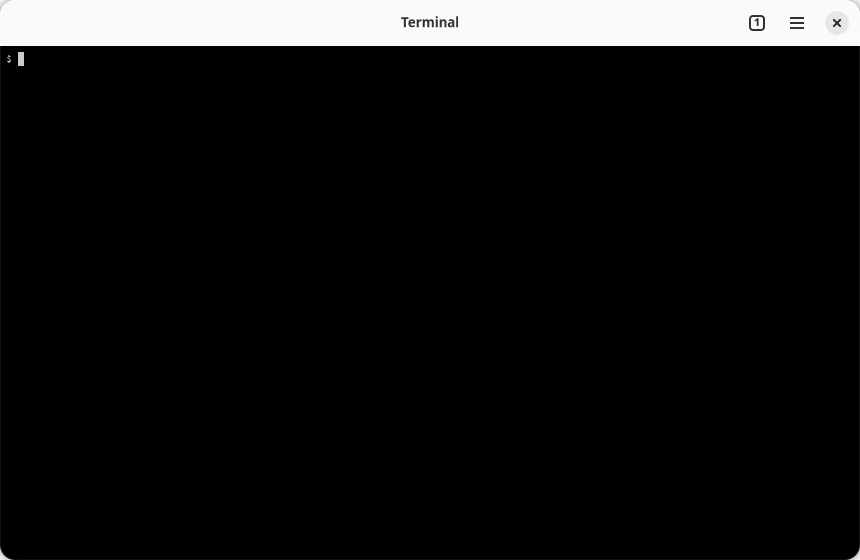
Section titled “Terminal”A Ghostty-style tabbed terminal: every tab is its own <window tabGroup> root running an
independent shell over a real PTY.
Source
Browser
Section titled “Browser”A small Min-style browser with native system tabs: one <webview> per tab window, popups and
downloads routed through app events.
Source
Dialogs
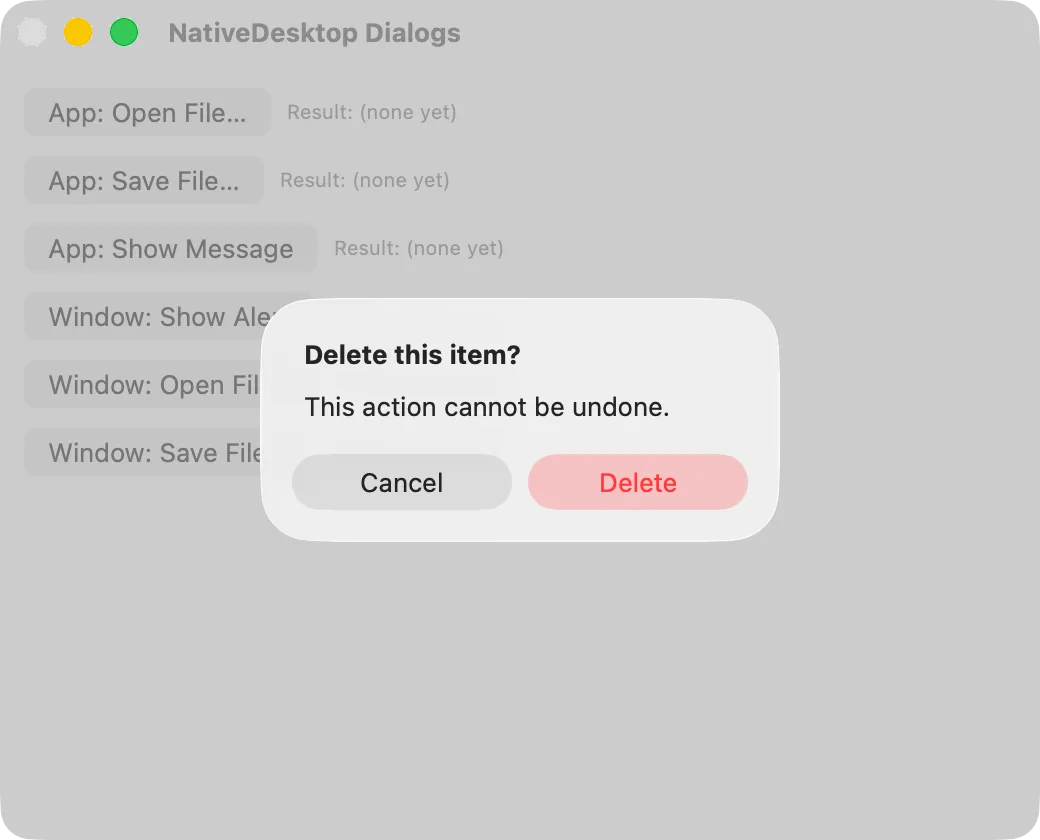
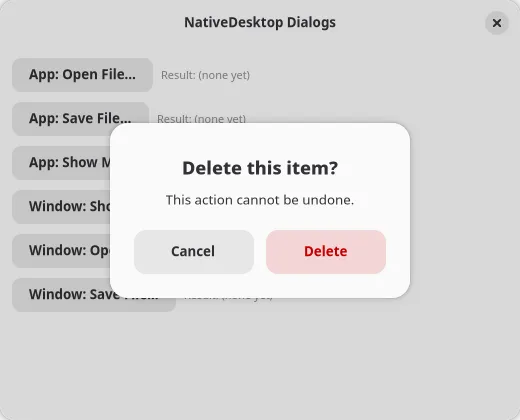
Section titled “Dialogs”Every dialog surface in one window: app-level dialog.*, per-window showAlert / openFile /
saveFile, and the dialog-scripting hooks automation uses.
Source
Command Palette
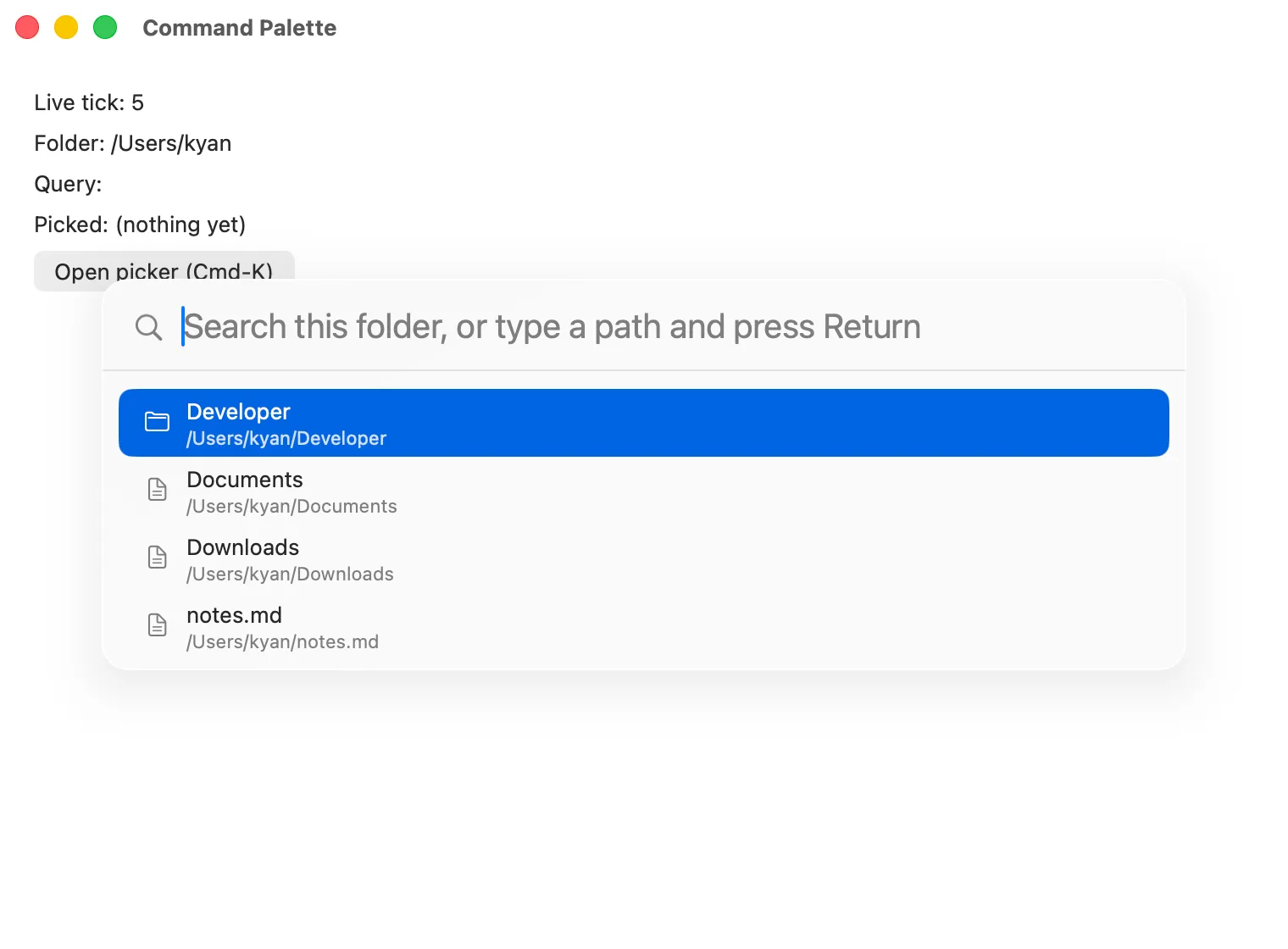
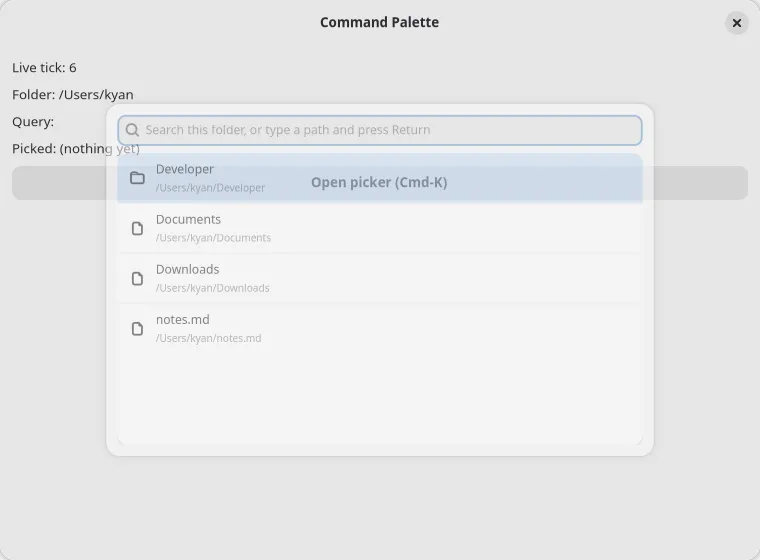
Section titled “Command Palette”A controlled Cmd-K palette used as a directory picker: the app owns the query and recomputes the result list per keystroke. Source
Multi-Window
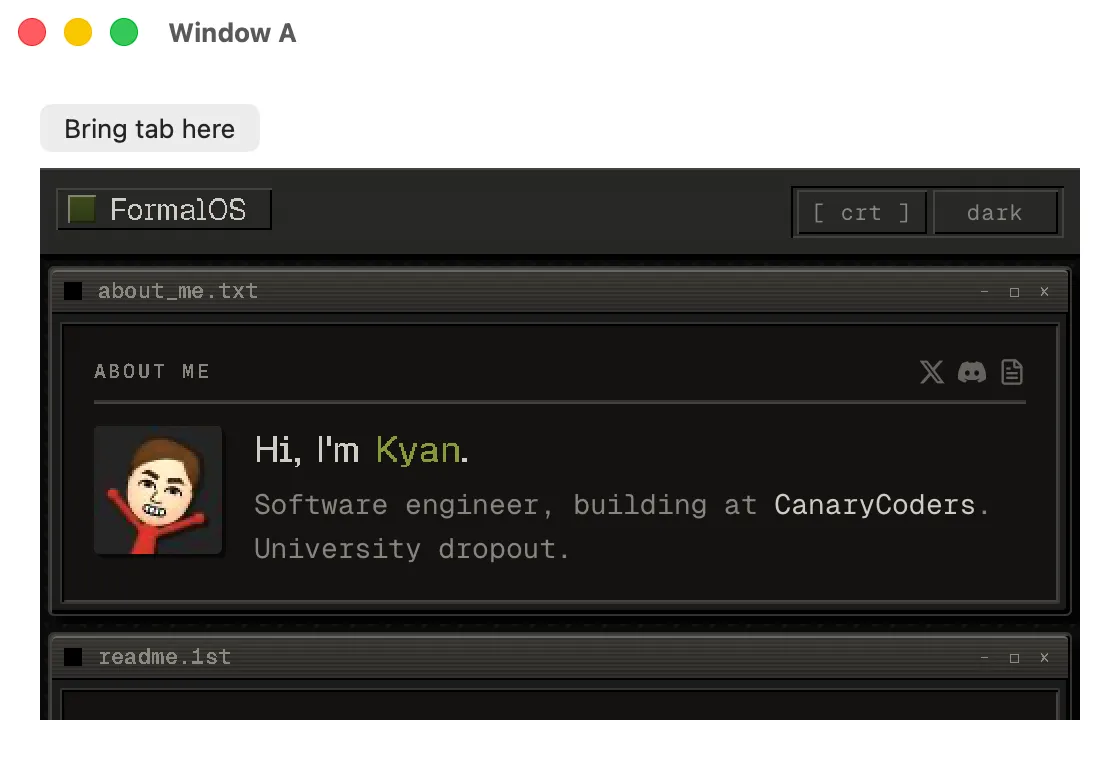
Section titled “Multi-Window”Two windows driven by one React tree, with a live <webview> that portals between them without
reloading. Source
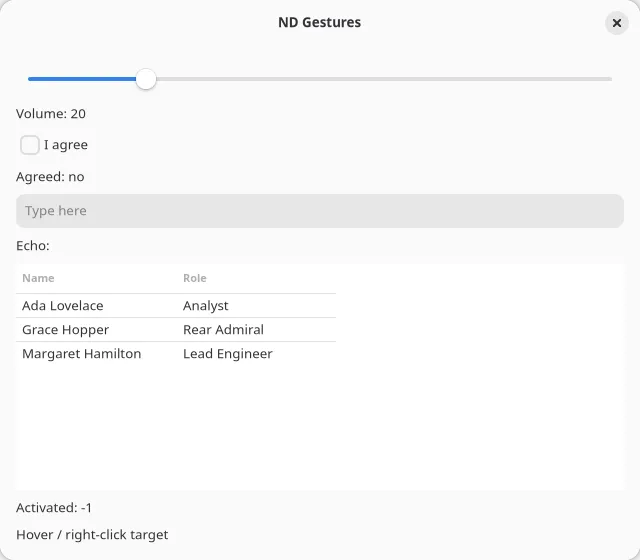
Gestures
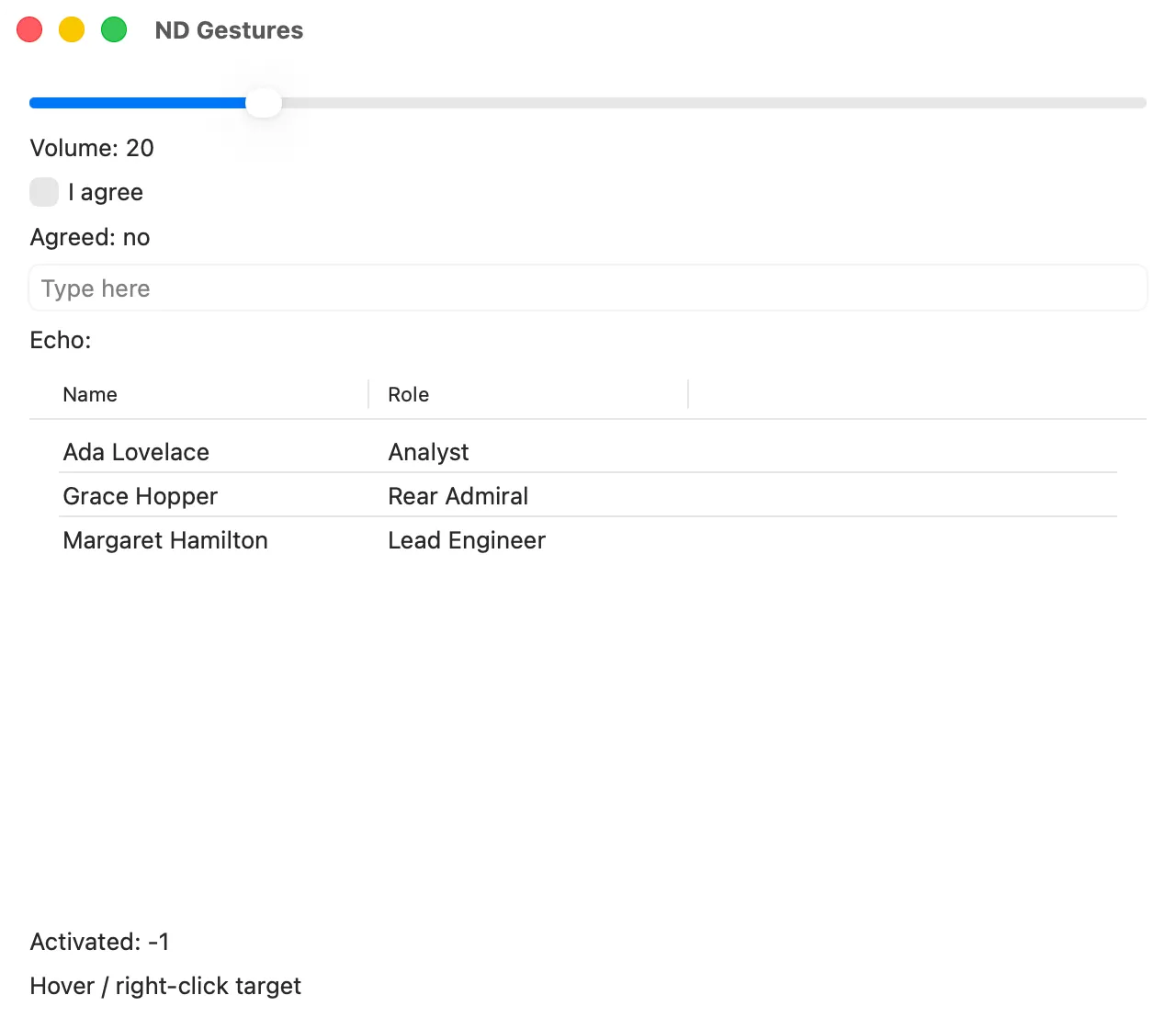
Section titled “Gestures”The input-synthesis probe: sliders, tables, checkboxes, and text fields laid out as deterministic
targets for the pointer / drag / keys automation RPCs.
Source
Errors
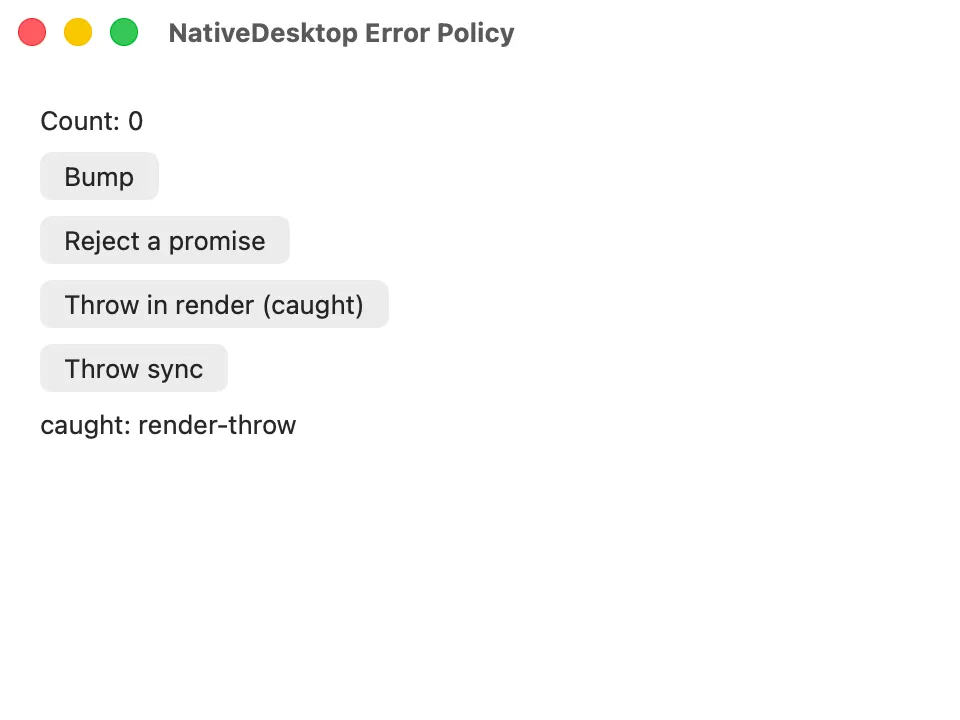
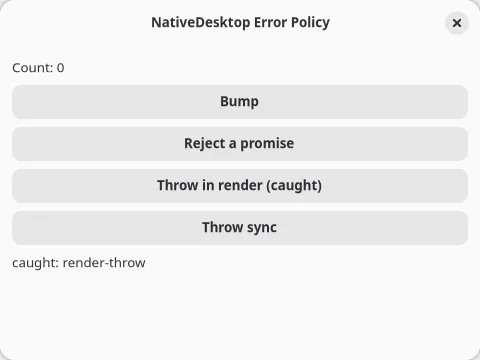
Section titled “Errors”The survivable error policy: caught render throws, report-and-survive rejections, and the fatal crash overlay. Source
Inspector
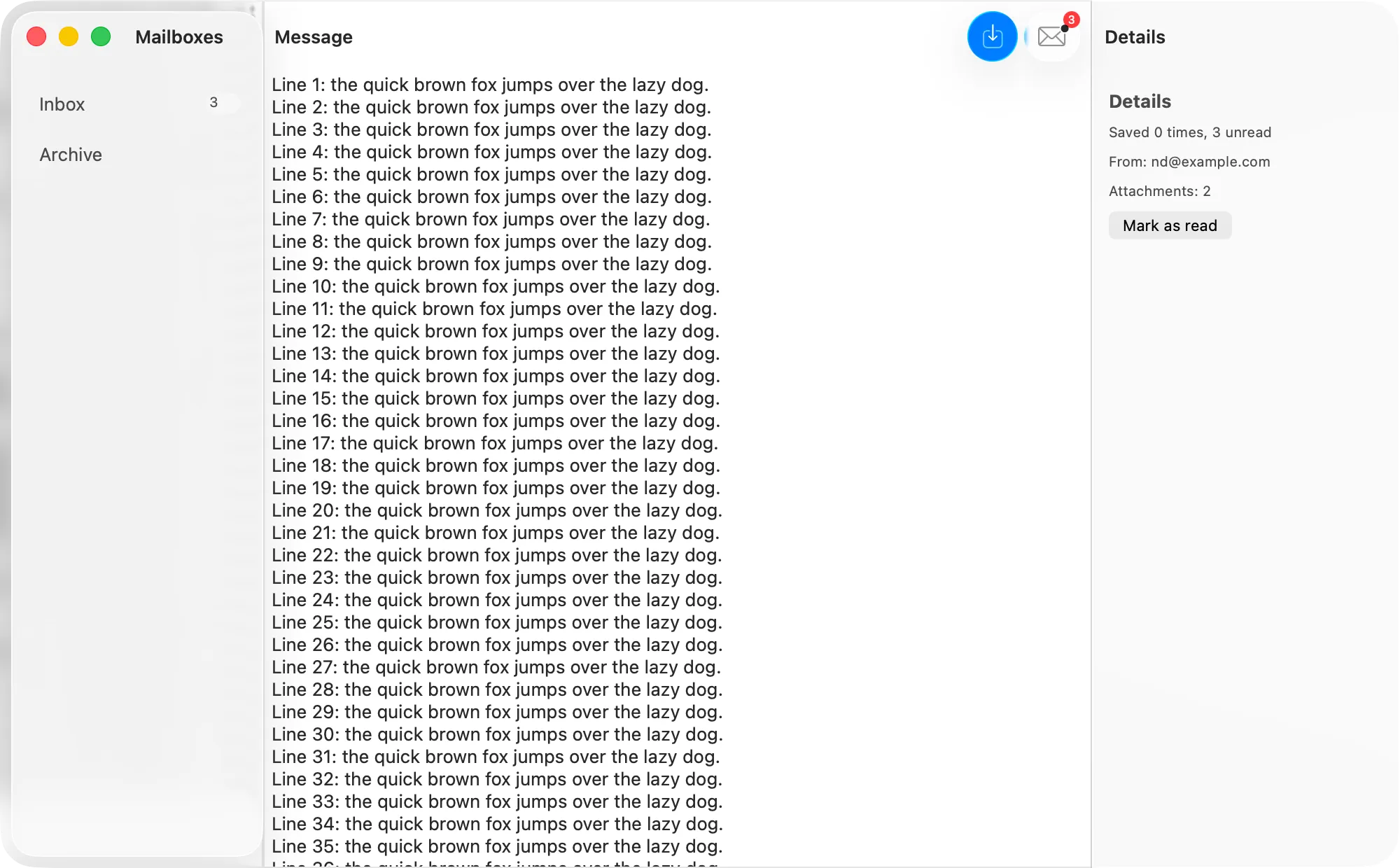
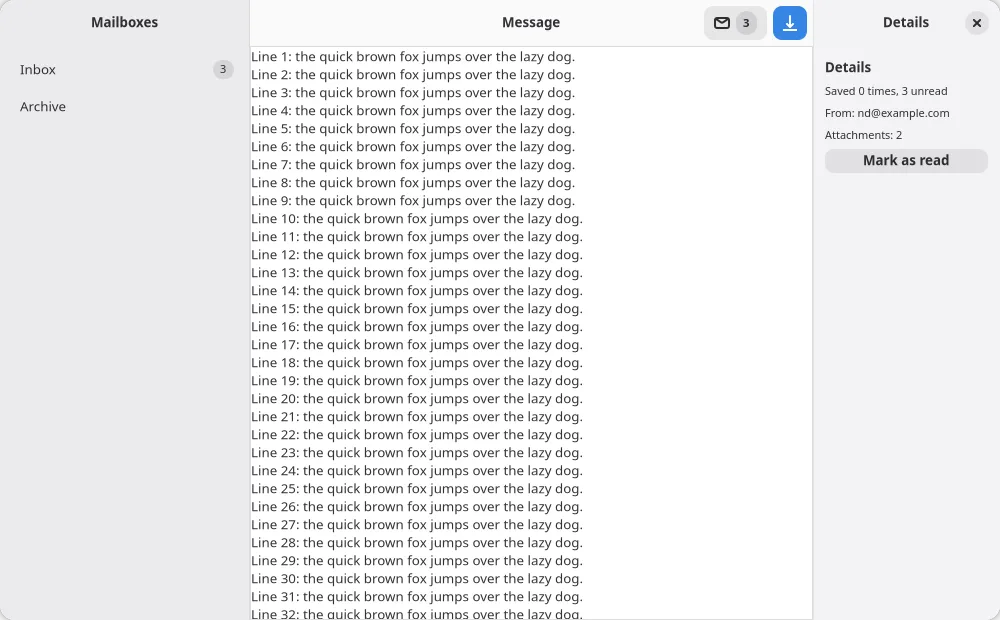
Section titled “Inspector”The HIG design-gap batch: an inspector split pane, a prominent toolbar button, and edge-to-edge content. Source
Automation and layout fixtures
Section titled “Automation and layout fixtures”Smaller apps built to gate one specific behavior, without their own screenshot pair:
locators: a deterministic target sheet for the locator surface,focus,scrollIntoViewIfNeeded,selectOption, node-scopedscreenshot, andsetWindowSize.propreset: asserts that a prop an app stops passing resets to its schema default on both backends, instead of sticking at its last value.popoveranchor: a<popover>anchored byanchorRefthrough acreatePortalpool, with no tree parent to fall back on.counter/autosize-probe.tsx: a second entry point in the Counter example that opens with nodefaultWidth/defaultHeight, for the window-from-content sizing rule on AppKit.